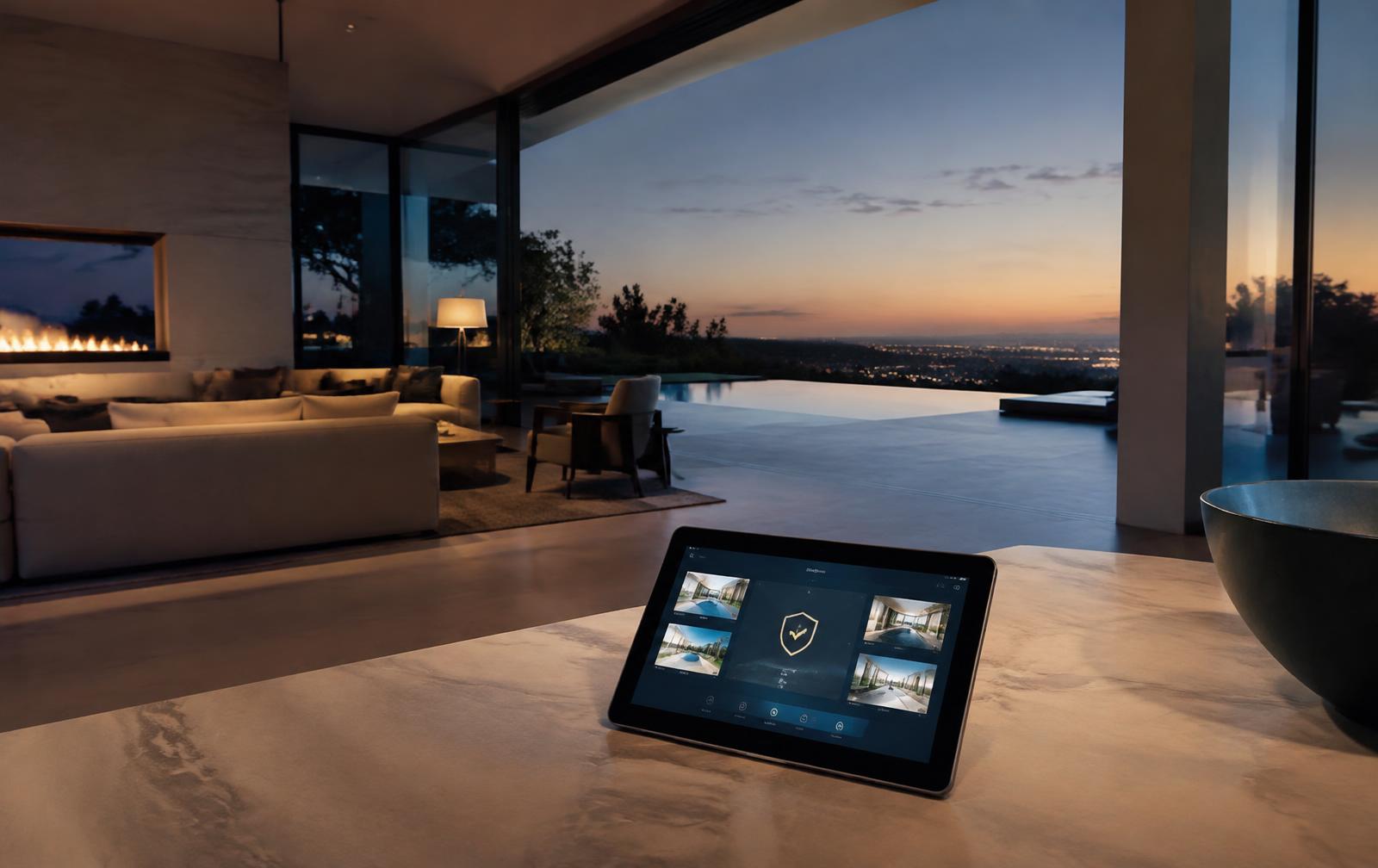
A modern residence may run on dozens of connected systems installed by different integrators over many years. Each one is a small computer on your network, and many are never updated after the installer leaves.
Start by separating networks. Family devices, guest access, staff devices and building systems such as cameras, locks and climate controls should each live on their own segment, so a compromised thermostat can never reach a laptop holding family documents.
Next, take ownership of every administrator account. Integrators often keep shared or default passwords for convenience. Replace them with unique credentials held by the family or its security team, and require multi-factor sign-in wherever the system allows.
Cameras deserve special care. Confirm where footage is stored, who can view it, and whether cloud access is truly needed. Interior cameras in particular should be limited and reviewed with the same care you would apply to any sensitive record.
Finally, schedule maintenance. A quarterly review of firmware, accounts and remote access keeps the estate secure as systems age and staff change—without anyone in the family needing to think about it.
Why private residences are attractive targets
A large home is effectively a small enterprise network. It may run dozens of cameras, access-control panels, audio-visual systems, pool and climate controllers, and staff devices, often installed by several different integrators over many years. Each brings its own app, cloud account and remote-support connection. Attackers rarely need sophisticated techniques; they look for default passwords, outdated firmware and forgotten remote access.
The consequences go beyond data. Camera feeds reveal routines and floor plans, gate controllers reveal when a property is empty, and a compromised network can be used to reach the family's personal laptops and phones. Treating the residence as critical infrastructure, rather than as consumer gadgets, changes how it is designed and maintained.
A practical hardening checklist
Segment the network so that cameras, building systems, guests, staff and family devices sit on separate networks that cannot freely talk to each other. Change every default password, enable automatic firmware updates where the vendor supports them, and disable features such as UPnP and unused remote-access ports on the router.
Make sure the family, not an integrator, owns the administrator accounts for every system, with multifactor authentication enabled. Prefer devices from manufacturers that publish security update commitments; in the United States, the FCC's Cyber Trust Mark program is designed to help buyers identify connected products that meet baseline security criteria.
Finally, decide where camera footage lives, how long it is kept and who can view it. Cloud storage is convenient, but it should be protected by strong unique credentials and reviewed regularly for shared access.
Maintaining security over time
Smart-home security is not a one-time project. Schedule a quarterly review of connected devices, user accounts, firmware versions and remote-access logs, and an annual review whenever major renovations, new staff or new integrators are involved. Keep a simple written record of what is installed, who supports it and how to revoke access quickly. That record is often the single most valuable tool during an incident.
Know what is connected
Begin with an inventory: every camera, lock, gate controller, lighting hub, speaker and climate panel, along with who installed it and who can reach it remotely. Most estates discover devices nobody remembered.
When staff and vendors change
Departing staff and finished contractors should lose access the same day. A simple offboarding checklist—shared passwords rotated, app access removed, gate codes changed—prevents yesterday's access from becoming tomorrow's incident.
Frequently asked questions
- Should smart-home devices be on a separate network?
- Yes. Placing cameras, building systems and guest devices on separate networks limits how far an attacker can move if one device is compromised, and protects the family's personal computers and phones.
- Who should own the passwords for home systems?
- The family or its trusted security team should own administrator accounts. Integrators can be given individual, revocable access that is removed when their work ends.
- How often should a private residence be reviewed?
- A quarterly review of devices, accounts and remote access is a sensible baseline, with an additional review after renovations, staff changes or new installations.
Sources and further reading
- CISA — Secure Our World
- UK NCSC — Guidance for individuals and families
- FTC Consumer Advice
- FCC — U.S. Cyber Trust Mark
- NIST — Cybersecurity for IoT program
- FTC — Securing your home Wi-Fi network
- CISA — More than a password (multifactor authentication)
External resources are provided for general information. This article is not legal, financial or security advice for your specific situation.